GPEC2 / GPEC2A Reading Tools & Hardware
To use our instant file service you first need to read your Dodge, Jeep, Chrysler, or Ram GPEC2 / GPEC2A PCM with a supported tool, then upload that original read. Below are the professional read/write tools we accept files from — the same hardware shops, tuners, and mobile programmers use every day.
Coverage of any specific GPEC ECU depends on the tool's protocol licenses, subscription, connection method, and software version. We accept reads from these tools when the dump is complete and the application is supported. No tool? Mail in the module and we read it for you.
- Nationwide file service
- Mail-in PCM option
- Shop / tuner friendly
- Secure file upload
- Fast turnaround available
- Legal-use only
Tools to read a GPEC2 / GPEC2A PCM
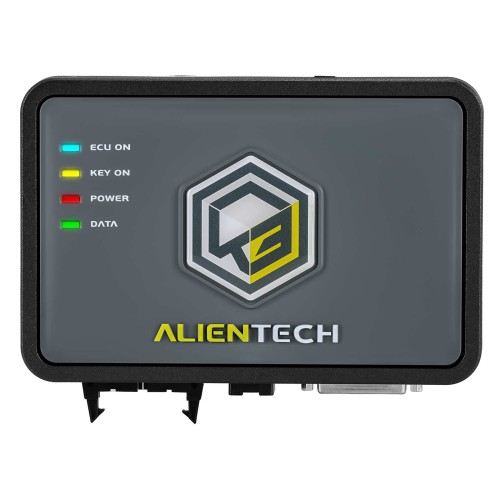
Alientech KESS3
The most common GPEC tool we see. Reads many GPEC2 / GPEC2A applications over OBD, with bench and boot modes for protected ECUs.
Alientech KESS3 file service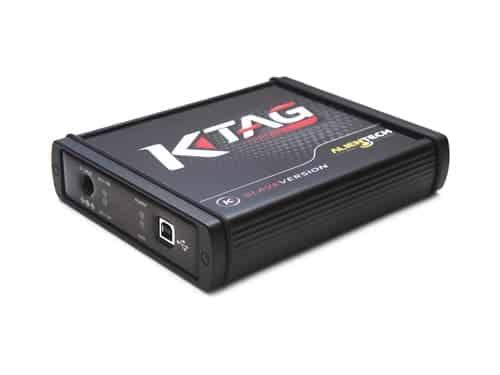
Alientech K-TAG
Bench / boot programmer for reading the processor directly when an OBD read is not enough on a locked ECU.
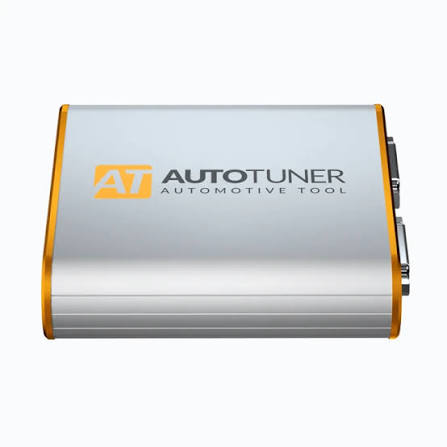
AutoTuner
Master tool with broad GPEC coverage. Bench and boot reads give the most complete data for file service.
AutoTuner file service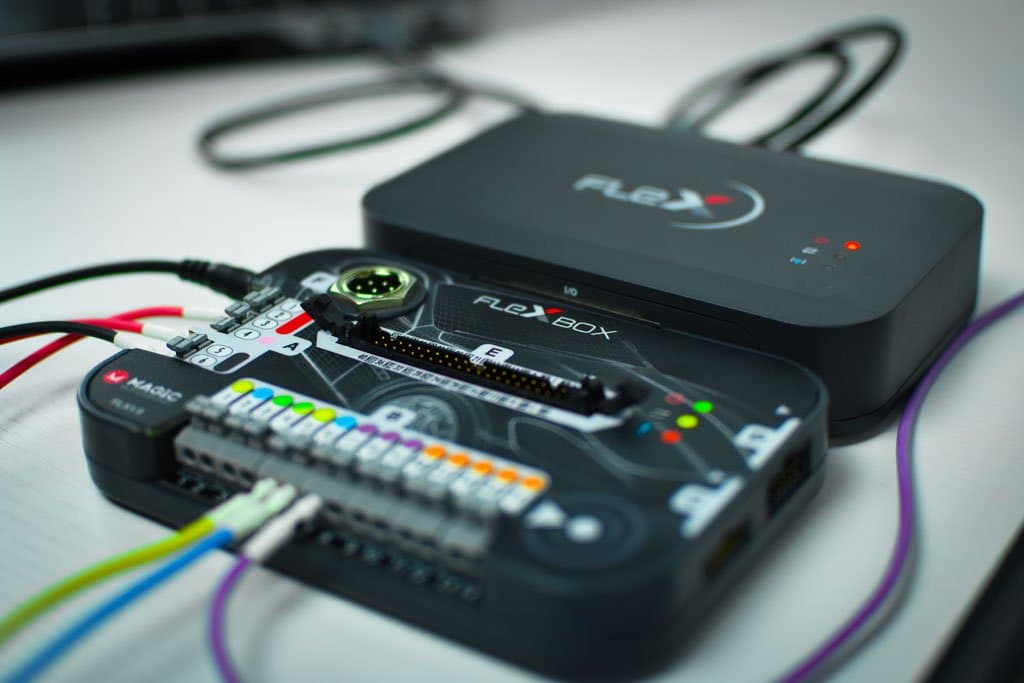
Magic Motorsport Flex
Modular Flex + FlexBox. Wide GPEC coverage through protocol licenses — great for clean bench / boot reads.
Magic Motorsport Flex file service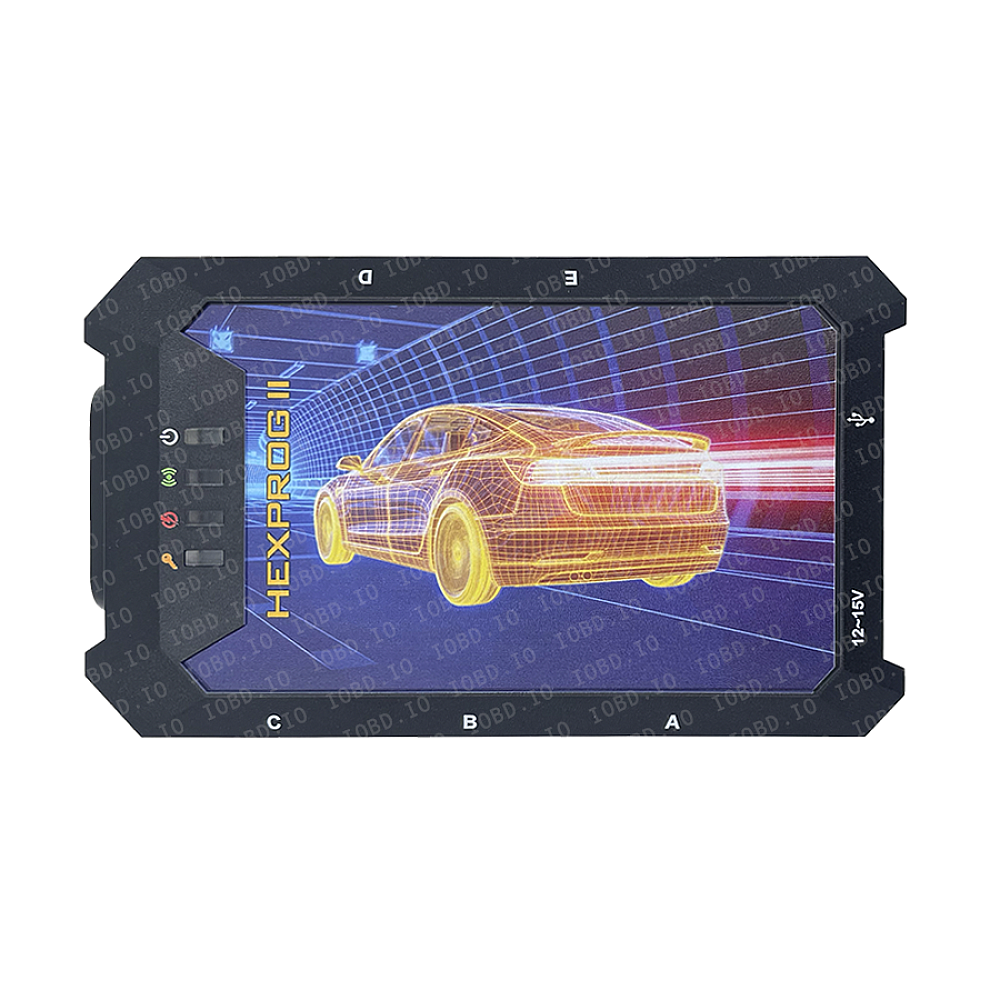
HexProg (Microtronik)
Bench programmer for boot / BDM and EEPROM / MCU reads when you open the ECU on the bench.
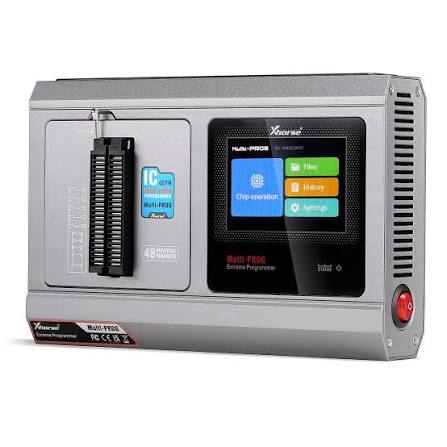
Xhorse Multi-Prog / VVDI Prog
Bench MCU / EEPROM programmer for chip-level reads on the bench — useful for immo and EEPROM work.
Product names and images are shown to indicate tool compatibility for file service. We are not affiliated with, or endorsed by, these manufacturers.
How to read your GPEC2 / GPEC2A PCM
- 01Connect your tool to the vehicle (OBD) or to the ECU on the bench/boot.
- 02Read the original file and save it exactly as the tool exports it.
- 03Upload it here with your PCM label photo + vehicle details.
- 04Pay and download the processed file in seconds — write it back with the same tool.
No read/write tool? You can mail in your PCM and we service the physical unit directly, then ship it back.
Reading-tool questions
- What tool do I need to read a GPEC2 or GPEC2A PCM?
- A supported professional read/write tool such as Alientech KESS3 or K-TAG, AutoTuner, or Magic Motorsport Flex. Bench programmers like HexProg and Xhorse Multi-Prog cover chip-level reads. The right one depends on the ECU, protocol, and whether an OBD, bench, or boot read is required.
- OBD, bench, or boot — which read do I need?
- OBD is read through the diagnostic port and is easiest when supported. Bench means powering the ECU on the bench with a harness. Boot means accessing the processor directly, used on locked ECUs. Tell us your read method when you order and we confirm what works.
- I do not own a tool — can you still help?
- Yes. Use our mail-in PCM unlock service: ship us the module and we read, service, and return it. No tool required.
- Do you provide emissions delete files?
- No. We do not provide emissions defeat, delete files, or services intended to bypass emissions laws. Our service is for tuning preparation, diagnostics, repair, motorsport, and off-road use where legally permitted.
Legal use only
For tuning preparation, diagnostics, repair, motorsport, and off-road use where legally permitted.
We do not provide emissions defeat, delete files, or services intended to bypass emissions laws. Customer is responsible for confirming legal use in their location and application.
Per-tool file services
- Mail-In PCM Unlock Service
- Dodge PCM Unlock File Service
- Jeep PCM Unlock File Service
- Ram PCM Unlock File Service
- Chrysler PCM Unlock File Service
- HP Tuners PCM Unlock Service
- GPEC PCM Unlock Service
- Dodge Charger GPEC2A PCM Unlock
- Dodge Challenger GPEC2A PCM Unlock
- Jeep Grand Cherokee GPEC2A PCM Unlock
- Jeep Trackhawk PCM Unlock
- Ram 1500 PCM Unlock
- Chrysler 300 GPEC2A PCM Unlock
- KESS3 GPEC2A Unlock File Service
- AutoTuner GPEC2 / GPEC2A File Service
- Flex GPEC2 / GPEC2A File Service
- BitBox GPEC2A File Service
- FoxFlash GPEC2A File Service
- KT200 GPEC2A File Service
- CMDFlash GPEC2 File Service
- Dimsport GPEC2A File Service