KESS3 GPEC2 / GPEC2A Unlock File Service
For customers who read supported GPEC files using Alientech KESS3, ECU Flash Cartel offers a straightforward unlock file service. Read your Dodge, Jeep, Chrysler, or Ram PCM with your KESS3, upload the original file, pay online, and receive the processed file to write back with KESS3 — for supported tuning preparation, where legally permitted.
KESS3 supports a broad range of protocols and connection methods (OBD, bench, and boot depending on license and ECU). We accept KESS3 reads when the dump is complete and the GPEC application is supported. If a read is partial or the protocol is not supported for a given ECU, we tell you before you are charged.
- Nationwide file service
- Mail-in PCM option
- Shop / tuner friendly
- Secure file upload
- Fast turnaround available
- Legal-use only
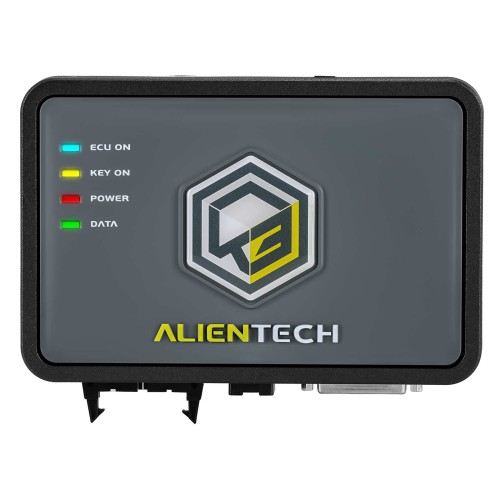
- Alientech KESS3 reads accepted where supported
- OBD, bench, and boot reads (per ECU and license)
- Dodge · Jeep · Chrysler · Ram GPEC applications
- Upload your read or mail in the PCM
Uploading a KESS3 GPEC read
When you order, upload the original read exactly as KESS3 saved it, along with a PCM label photo, VIN, part number, and the read method you used. That lets us confirm the GPEC family (GPEC2, GPEC2A, or another supported family) and that the read is valid for processing.
KESS3 coverage of any specific GPEC ECU depends on your license package, subscription, connection method, and software version. We work from the file you provide — a clean, complete read is what makes the service fast and reliable. Keep your original backup and use battery support when you write the returned file back.
No read/write tool? You can mail in your PCM and we service the physical unit directly, then ship it back.
What this service does
Upload your original ECU read file and let ECU Flash Cartel process it for supported GPEC tuning preparation. Once complete, you can write the returned file back using your compatible read/write tool.
We support shops, mobile programmers, tuners, and DIY customers nationwide. If you can read the file, you can upload it. If you cannot read it, mail us the PCM.
- 01We process supported GPEC2 / GPEC2A ECU read files for tuning access and preparation.
- 02You upload the original read file.
- 03We return the processed file.
- 04You write the file back with your own supported tool.
- 05No tool or unreadable file? Mail in the PCM and we service it directly.
- 06For tuning preparation, diagnostics, repair, motorsport, and off-road use where legally permitted.
Choose your service option
Upload Your ECU File — Instant
Best for tuners, performance shops, mobile programmers, and customers with a supported read/write tool. Read your original ECU file, upload it, pay online ($150 GPEC2/2A · $100 IMMO-OFF), and get the processed file back in seconds.
- 1Read the original PCM/ECM file.
- 2Upload the file and PCM label photo.
- 3Pay online.
- 4We process the file.
- 5Download or receive the processed file.
- 6Write the file back using your supported tool.
Mail In Your PCM — $250
Best for customers who do not have a tuning/programming tool or cannot read the PCM. Pay $250, ship the PCM to ECU Flash Cartel, and we service the physical module and ship it back.
- 1Remove the PCM.
- 2Ship it to ECU Flash Cartel.
- 3We unlock / service the PCM.
- 4We ship it back.
- 5Install it and continue the tuning workflow where legally permitted.
Supported ECU families
Our main focus for this service page is GPEC2 and GPEC2A. Other GPEC families may be supported depending on tool read type, ECU software, file format, and service requested.
Files accepted from supported tools
Tool coverage depends on ECU type, protocol, license package, subscription, connection method, and software version. We accept files from supported tools when the read is complete and compatible.
See the GPEC2 / GPEC2A reading hardware- Alientech KESS3
- AutoTuner
- Magic Motorsport Flex
- BitBox / BitSoftware
- FoxFlash
- KT200
- CMDFlash
- Dimsport New Genius / New Trasdata
- Bench harness reads from supported setups
- Other professional Chrysler/Dodge/Jeep/Ram Continental GPEC tools
Alientech KESS3
KESS3 users can upload supported GPEC reads for unlock file service.
Tool page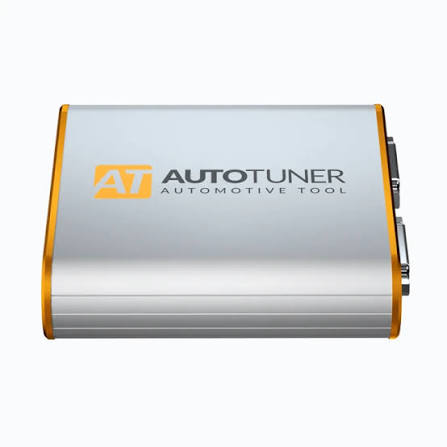
AutoTuner
AutoTuner GPEC boot/bench reads may be accepted where supported.
Tool page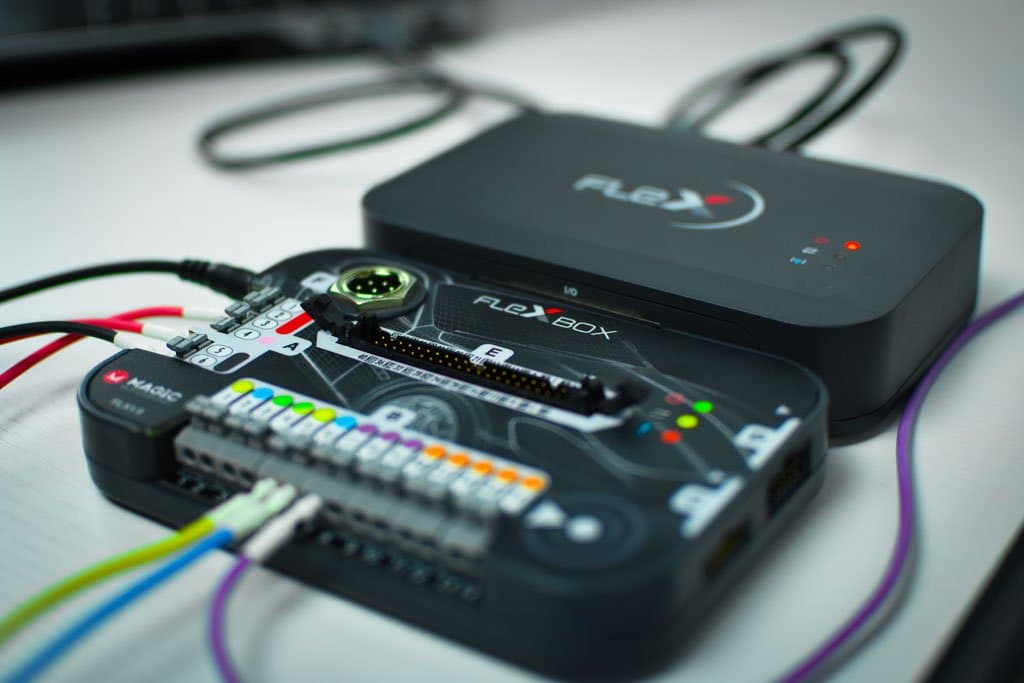
Magic Motorsport Flex
Flex users can upload supported GPEC2/GPEC2A/GPEC family files.
Tool page
BitBox / BitSoftware
BitBox FCA Petrol / GPEC files may be accepted when read correctly.
Tool page
FoxFlash
FoxFlash boot/bench GPEC reads may be accepted.
Tool page
KT200
KT200 GPEC boot reads may be accepted where supported.
Tool page
CMDFlash
CMDFlash GPEC files may be accepted depending on protocol.
Tool page
Dimsport New Genius / New Trasdata
Dimsport New Genius / New Trasdata files may be accepted for supported applications.
Tool pageWhat you need before ordering
Do not know if your PCM is GPEC2, GPEC2A, GPEC3, GPEC4, GPEC4LM, or GPEC5? Upload a clear photo of the PCM label with your vehicle year, make, model, engine, VIN, and tool used to read the file.
- Original ECU/PCM read file
- PCM label photo
- Vehicle year, make, model, engine
- VIN
- PCM part number
- Tool used to read the file
- Read method: OBD, bench, or boot
- Description of what you need
- Battery support recommended when writing back
Year, make, and model alone are not enough to guarantee support. ECU family, PCM part number, software version, file format, and read method all matter.
Have everything ready? Upload your read and pay online, or mail in the PCM if you cannot read the file.
Pricing
Final price depends on ECU family, file type, service requested, and whether recovery or cloning is needed.
Frequently asked questions
- Does KESS3 read GPEC2 and GPEC2A?
- KESS3 reads many GPEC applications depending on license, protocol, and software version. Upload your read and PCM label and we confirm support.
- What KESS3 read method should I use?
- Use whatever method KESS3 supports for your ECU — OBD, bench, or boot. Tell us which you used so we can confirm the file is complete.
- Can I write the file back with KESS3?
- Yes — the processed file is returned for you to write with your own KESS3, where legally permitted. Keep a backup and use battery support.
- My KESS3 read looks partial — will it work?
- A partial read may not be processable. We check completeness first and tell you before charging if the file cannot be used.
- Do you provide emissions delete files?
- No. We do not provide emissions defeat, delete files, or services intended to bypass emissions laws. Our service is for tuning preparation, diagnostics, repair, motorsport, and off-road use where legally permitted.
- Is this the same as a tune?
- No. This is a PCM unlock and file-preparation service, not a tuning file. It prepares supported ECUs for the tuning workflow you run with your own tools, where legally permitted.
Legal use only
For tuning preparation, diagnostics, repair, motorsport, and off-road use where legally permitted.
We do not provide emissions defeat, delete files, or services intended to bypass emissions laws. Customer is responsible for confirming legal use in their location and application.
Related PCM unlock services
- Mail-In PCM Unlock Service
- Dodge PCM Unlock File Service
- Jeep PCM Unlock File Service
- Ram PCM Unlock File Service
- Chrysler PCM Unlock File Service
- HP Tuners PCM Unlock Service
- GPEC PCM Unlock Service
- Dodge Charger GPEC2A PCM Unlock
- Dodge Challenger GPEC2A PCM Unlock
- Jeep Grand Cherokee GPEC2A PCM Unlock
- Jeep Trackhawk PCM Unlock
- Ram 1500 PCM Unlock
- Chrysler 300 GPEC2A PCM Unlock
- AutoTuner GPEC2 / GPEC2A File Service
- Flex GPEC2 / GPEC2A File Service
- BitBox GPEC2A File Service
- FoxFlash GPEC2A File Service
- KT200 GPEC2A File Service
- CMDFlash GPEC2 File Service
- Dimsport GPEC2A File Service